
WhatsApp Chatbot for Business in Mumbai: Features, Cost Factors & Setup Guide (2026)
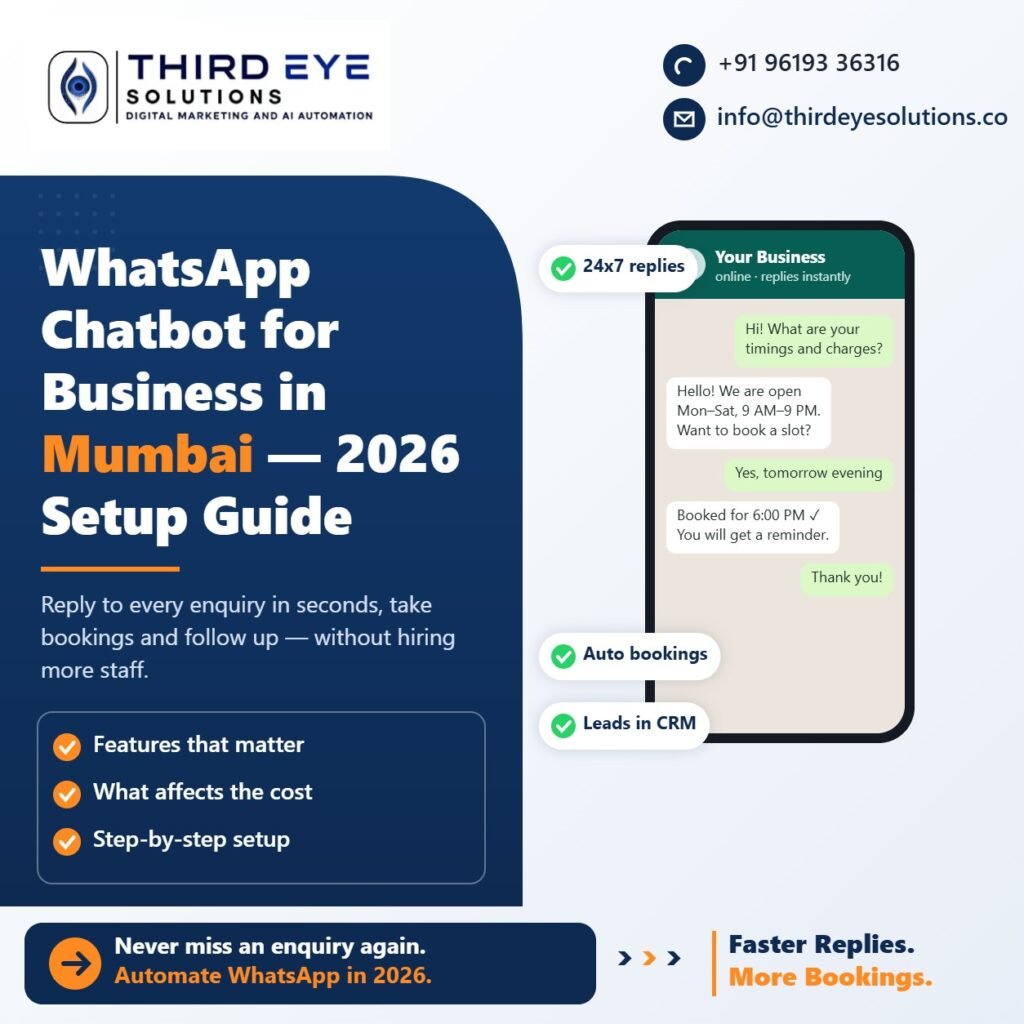
If your customers in Mumbai already message you on WhatsApp, a WhatsApp chatbot for business is the fastest way to reply to every enquiry, take bookings and follow up — without hiring more staff. This guide explains what a WhatsApp chatbot can do, what affects the cost, and how businesses in Mira Road, Thane and Mumbai set one up.
What is a WhatsApp chatbot for business?
A WhatsApp chatbot is an automated assistant that runs on your business WhatsApp number through the official WhatsApp Business API. It replies to customers instantly, answers common questions, collects details and hands the conversation to your team when a human is needed.
Unlike the free WhatsApp Business app, a chatbot can handle many chats at once, work 24×7 and connect to a CRM so every enquiry is saved as a lead.
Features that actually matter
- Instant replies, 24×7 — answer enquiries at night and on Sundays
- FAQ answers — pricing, timings, location, services, documents required
- Bookings — appointments, site visits, table reservations and demo calls
- Reminders and follow-ups — automatic messages before appointments and after enquiries
- Lead capture — name, requirement and budget saved to your CRM dashboard
- Human handover — your team can take over any chat at any time
Which Mumbai businesses benefit most?
- Clinics — appointment booking and reminders reduce missed calls and no-shows. See our clinic appointment automation service.
- Real estate — instant replies to property enquiries and site-visit scheduling. See our real estate CRM.
- Restaurants and cafés — orders and table bookings without aggregator commissions
- Schools and coaching classes — admission enquiries, fee reminders and parent updates
What affects the cost of a WhatsApp chatbot?
The cost depends on your setup, not a fixed price list. The main factors are:
- Meta’s WhatsApp conversation charges — Meta charges per conversation or message type; these rates are set by Meta and change from time to time
- Complexity of the flow — a simple FAQ bot costs less than a bot with bookings, payments and CRM sync
- Integrations — connecting Google Calendar, your CRM, Google Sheets or a booking system
- AI replies — using AI to understand free-text questions adds capability and running cost
- Ongoing support — updates to flows, reports and monitoring
A good partner will explain each of these before you start, so there are no surprises.
How to set up a WhatsApp chatbot: step by step
- Map your enquiries — list the 10–15 questions customers ask most and how you currently book
- Get WhatsApp Business API access — through Meta, using your business number
- Design the conversation flow — greetings, menus, FAQs, booking steps and handover
- Connect your CRM — so every chat becomes a trackable lead
- Test with real customers — fix gaps before going fully live
- Review monthly — check which questions come up and improve replies
Common mistakes to avoid
- Making customers go through long menus before they get an answer
- No option to talk to a human
- Not saving chats as leads, so follow-ups are missed
- Sending promotional messages without customer consent
Get a WhatsApp chatbot for your business in Mumbai
Third Eye Solutions builds WhatsApp chatbots for businesses across Mira Road, Bhayandar, Thane and Mumbai — connected to a CRM so no enquiry is missed. Learn more about our WhatsApp AI chatbot service or book a free strategy call.